Chapter 15: トラブルシューティング
エラーへの対処方法・v2.0 よくある問題・設定リセット・サポート連絡先
エラーメッセージ対応表
| エラーメッセージ | 原因 | 対処方法 |
|---|---|---|
No supported dependency files found in the target directory. |
スキャン対象ファイルが見つからない | 対応ファイル(requirements.txt 等)がフォルダ内に存在するか確認してください。 |
unsupported SBOM format |
インポートした SBOM ファイルの形式が CycloneDX でも SPDX でもない | SBOM ファイルが CycloneDX 1.2〜1.7 JSON または SPDX 2.2〜2.3 JSON 形式であることを確認してください。XML 形式は未対応です。 |
requires Dependa Pro. |
Pro 専用機能を Free で使おうとした | Pro ライセンスを購入するか、該当機能の使用を中止してください。 |
Terms acceptance required. --accept-terms is not specified. |
利用規約に同意していない | GUI: 初回起動時の画面で同意 / CLI: --accept-terms を追加 |
Integrity check failed for required data files. |
アプリファイルの整合性検証に失敗 | アプリを再インストールしてください。改ざんが疑われる場合はサポートにご連絡ください。 |
v2.0 でよくある問題
SBOM ファイルがインポートできない
以下を確認してください。
- ファイル形式が CycloneDX 1.2〜1.7 JSON または SPDX 2.2〜2.3 JSON であること。
- XML 形式の SBOM は v2.0 では未対応です。JSON 形式に変換してからインポートしてください。
- ファイルが壊れていないこと。JSON として正しくパースできるか確認してください。
レポートにウォーターマークが表示される
Free 版で生成された HTML レポートには「Dependa Free」のウォーターマークが表示されます。これは正常な動作です。ウォーターマークなしのレポートが必要な場合は Pro にアップグレードしてください。
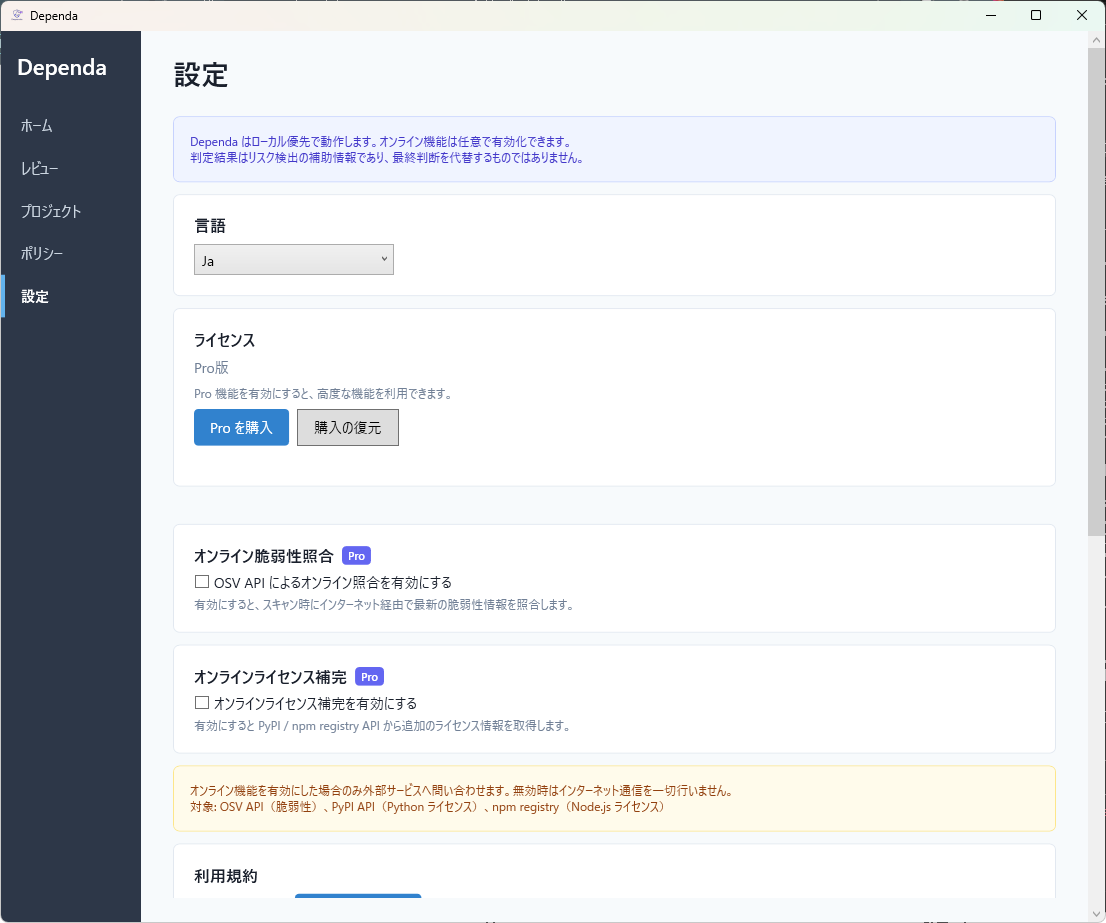
設定のリセット方法
設定を初期状態に戻すには、以下の手順を実行してください。
- Dependa を終了します。
- 以下のファイルを削除します。
%LocalAppData%\Dependa\settings.json次回起動時に設定ファイルがデフォルト値で再作成されます。
設定ファイルを削除すると、利用規約の同意状態もリセットされます。再度同意が必要になります。
WebView2 Runtime が見つからない場合
Dependa は一部の UI 表示に Microsoft Edge WebView2 Runtime を使用します。以下のエラーが表示された場合はインストールが必要です。
- Windows 11 には標準で含まれています。通常はインストール不要です。
- Windows 10 で表示された場合は、Microsoft の公式サイト から「Evergreen Bootstrapper」をダウンロードしてインストールしてください。
- 企業のグループポリシーで WebView2 がブロックされている場合は、IT 管理者にご相談ください。
オンライン機能が動作しない場合
OSV API や PyPI / npm / NuGet への接続がうまくいかない場合、以下を確認してください。
- インターネット接続: ブラウザで通常のウェブサイトにアクセスできるか確認してください。
- ファイアウォール: 企業ネットワークの場合、
api.osv.dev、pypi.org、registry.npmjs.org、api.nuget.orgへの HTTPS 通信が許可されているか確認してください。 - プロキシ: プロキシ環境では、Windows のシステムプロキシ設定が正しく構成されている必要があります。
- Pro ライセンス: オンライン機能は Pro ライセンスが必要です。設定画面でライセンス状態を確認してください。
サポートへの問い合わせ
上記で解決しない場合は、以下の方法でサポートにお問い合わせください。
- メール: support@sumikkolab.com
- サポートページ: サポート
お問い合わせの際は、以下の情報をお知らせください。
- Dependa のバージョン(
Dependa.exe versionで確認可能) - Windows のバージョン
- エラーメッセージの全文(スクリーンショットがあると理想的です)
- 再現手順
Chapter 15: Troubleshooting
Error resolution, v2.0 common issues, settings reset, and support contact
Error Message Reference
| Error Message | Cause | Solution |
|---|---|---|
No supported dependency files found in the target directory. |
No scan target files found | Verify that supported files (e.g., requirements.txt) exist in the folder. |
unsupported SBOM format |
Imported SBOM file is neither CycloneDX nor SPDX | Ensure the SBOM file is CycloneDX 1.2–1.7 JSON or SPDX 2.2–2.3 JSON format. XML format is not supported. |
requires Dependa Pro. |
Attempted to use a Pro-only feature on Free | Purchase a Pro license or stop using the feature. |
Terms acceptance required. --accept-terms is not specified. |
Terms of use not agreed to | GUI: Agree on the first-launch screen / CLI: Add --accept-terms |
Integrity check failed for required data files. |
App file integrity check failed | Reinstall the app. If tampering is suspected, contact support. |
Common v2.0 Issues
SBOM File Cannot Be Imported
Check the following:
- The file format must be CycloneDX 1.2–1.7 JSON or SPDX 2.2–2.3 JSON.
- XML format SBOMs are not supported in v2.0. Convert to JSON format before importing.
- The file is not corrupted. Verify it can be parsed as valid JSON.
Report Shows Watermark
HTML reports generated in the Free edition include a "Dependa Free" watermark. This is expected behavior. Upgrade to Pro for watermark-free reports.
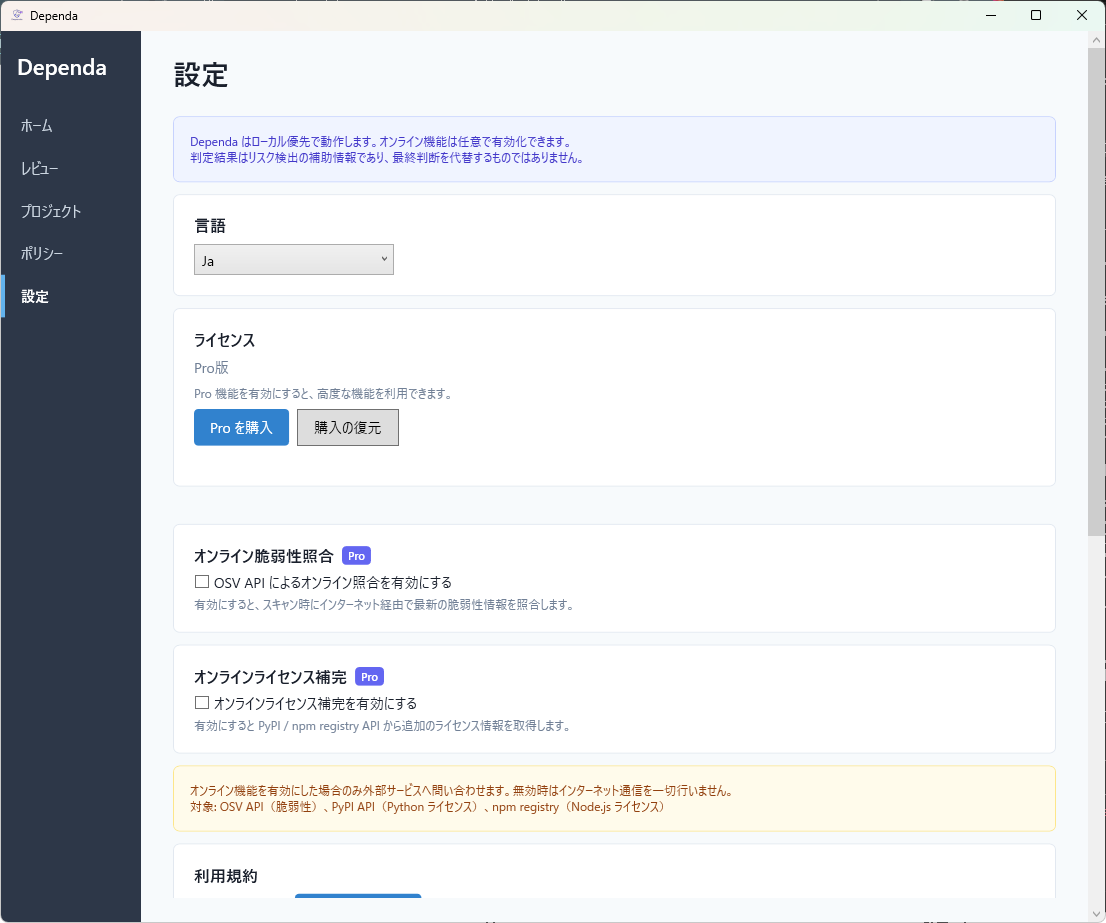
Resetting Settings
To reset settings to their defaults:
- Close Dependa.
- Delete the following file:
%LocalAppData%\Dependa\settings.jsonThe settings file will be recreated with default values on the next launch.
Deleting the settings file also resets the terms of use acceptance. You will need to agree again.
WebView2 Runtime Not Found
Dependa uses Microsoft Edge WebView2 Runtime for parts of its UI. If you see an error about WebView2:
- Windows 11 includes it by default. No installation is usually needed.
- On Windows 10, download the "Evergreen Bootstrapper" from Microsoft's official site and install it.
- If WebView2 is blocked by your organization's group policy, contact your IT administrator.
Online Features Not Working
If OSV API or PyPI / npm / NuGet connections fail, check the following:
- Internet connection: Verify you can access regular websites in your browser.
- Firewall: In corporate networks, ensure HTTPS access to
api.osv.dev,pypi.org,registry.npmjs.org, andapi.nuget.orgis allowed. - Proxy: In proxy environments, Windows system proxy settings must be correctly configured.
- Pro license: Online features require a Pro license. Check your license status in Settings.
Contacting Support
If the above does not resolve your issue, please contact support:
- Email: support@sumikkolab.com
- Support page: Support
When contacting support, please provide:
- Dependa version (check with
Dependa.exe version) - Windows version
- Full error message text (screenshots are ideal)
- Steps to reproduce the issue